The order products appear in a collection quietly shapes what customers buy. A clearance page sorted cheapest-first pulls bargain hunters in; a flagship collection led by bestsellers puts your proven winners front and center. The default sort is rarely the best one for the collection's purpose, but changing it is one of those settings people forget exists.
Why the sort order goes unconsidered
Shopify lets you set a sort order per collection, but it's tucked into the collection settings and easy to leave on the default. So collections end up sorted however Shopify decided, rather than in the order that best serves what each collection is trying to do.
Set the right sort in one message
With Claude MCP Connector, you choose the order that fits the collection:
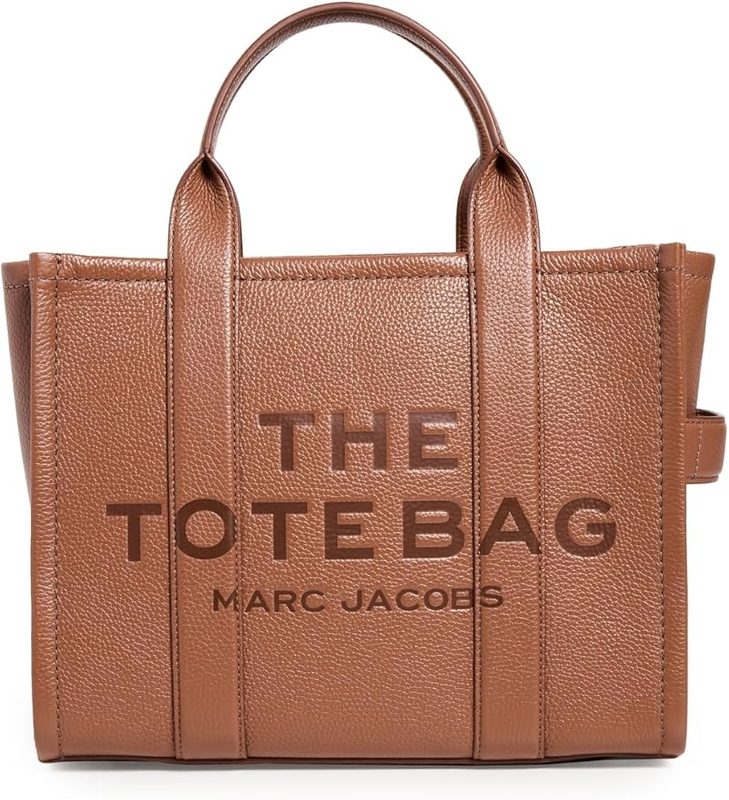
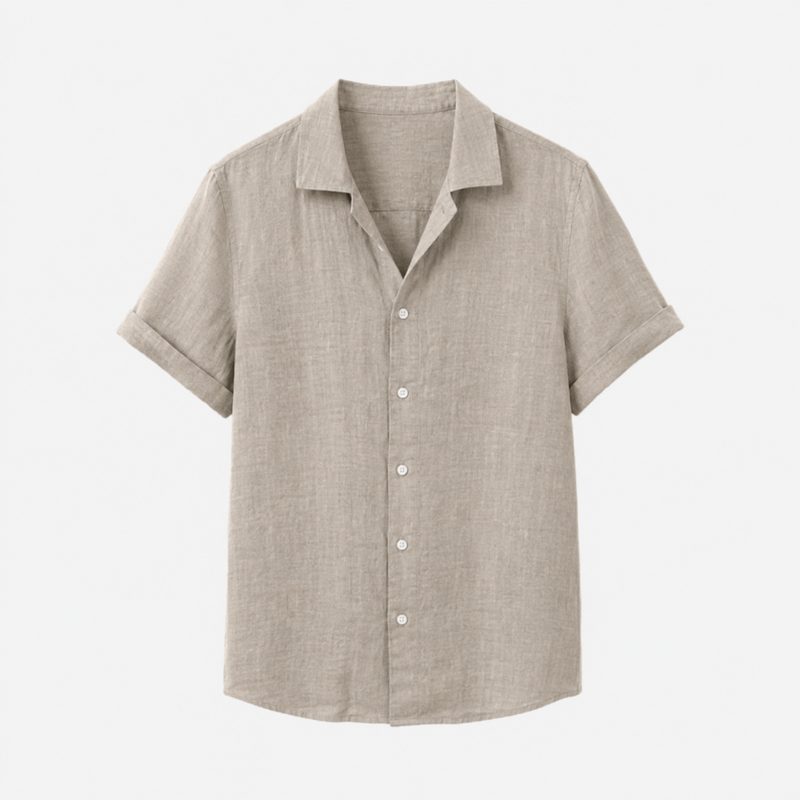
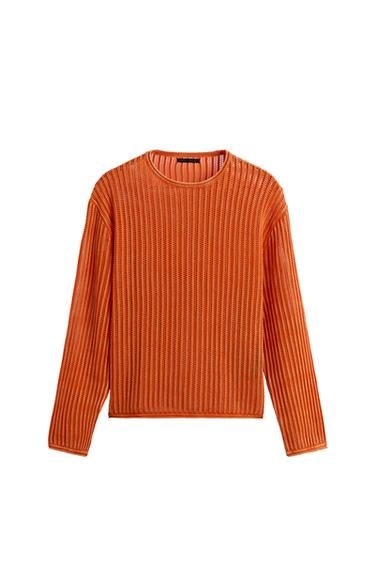
Claude sets the collection's sort order — price low-to-high for clearance, bestselling for your hero collections — so the products that should lead actually do.
More merchandising controls
Why order is merchandising
What customers see first is what they're most likely to buy, so the sort order of a collection is a real merchandising lever. Matching each collection's sort to its purpose — deals first, bestsellers first, newest first — is a small change with a real effect on conversion, and now it's a single instruction per collection.