Metafields are how you store custom product data that Shopify doesn't have a built-in field for — material, care instructions, country of origin, ingredients. They power richer product pages and custom filters. Most store owners assume they need a dedicated metafield app to use them, and pay monthly for the privilege.
Why metafields feel out of reach
Shopify supports metafields natively, but creating a definition and then populating it across products is technical enough that most people reach for an app. And even with an app, filling the values in for hundreds of products is manual work.
Add and populate them in one message
With Claude MCP Connector, you define the metafield and fill it in at once:
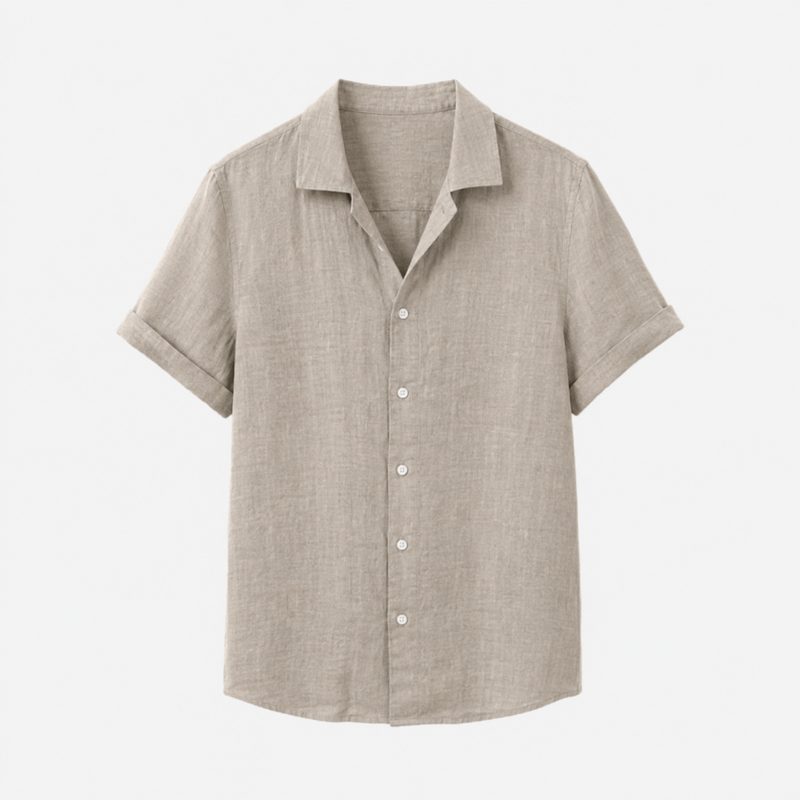
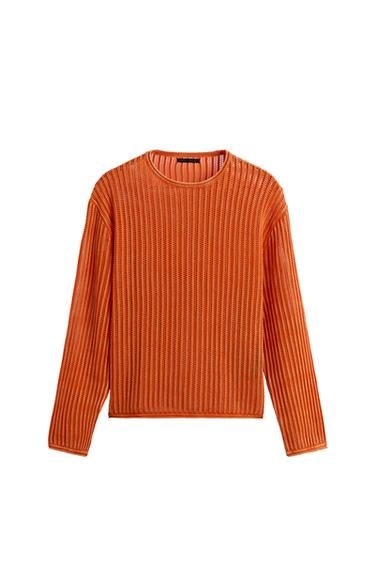
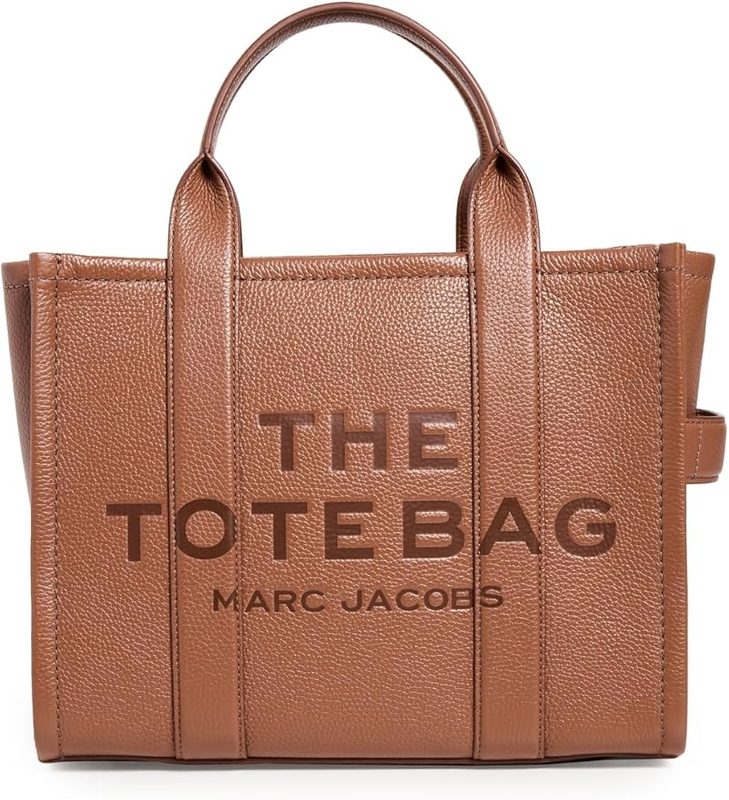
Claude creates the metafield and populates it across your products — even pulling values from existing descriptions where it can — so you get custom structured data without a single app subscription.
More you can do with metafields
Why structured data pays off
Metafields turn unstructured description text into data you can display consistently and filter on — a "shop by material" filter, a clean care-instructions block on every product. Because adding and populating them no longer requires an app or manual entry, you can enrich your whole catalog with the custom data that makes a store feel considered.