Overstock is rarely evenly spread. You're not sitting on too many Knit Sweaters — you're sitting on too many XL Knit Sweaters, while the mediums fly off the shelf. The smart move is to discount just the variant that's overstocked, but most discount setups apply to a whole product, so you end up marking down sizes that didn't need it.
Why variant-level discounts are awkward
Shopify discounts typically target products, collections, or the whole store — getting one down to a single variant is fiddly, and easy to set up wrong so it spills onto every size. So instead of a precise markdown, people discount the entire product and give away margin on the sizes that were selling fine.
Target the exact variant in one message
With Claude MCP Connector, you scope the discount to one variant:
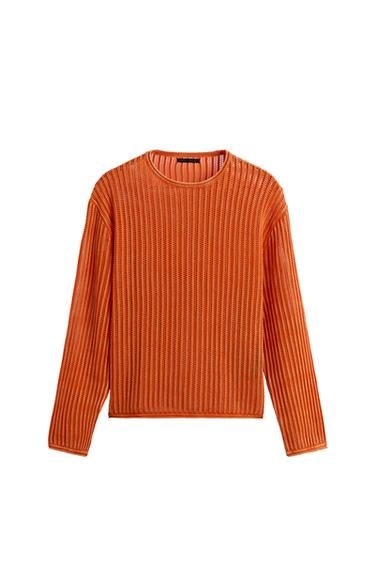
Claude applies the discount to just the overstocked variant, leaving every other size at full price — so you clear the excess without sacrificing margin on the ones that sell themselves.
More precise discount controls
Why precision protects margin
Blunt, product-wide markdowns leave money on the table by discounting what didn't need it. Variant-level discounts let you solve the actual problem — too many of one size — surgically. Because setting one up is now a single instruction, you can clear overstock exactly where it sits, as often as it crops up.