The first image on a product is the one that shows up everywhere — collection pages, search results, related products. When that lead image is inconsistent across your catalog — a studio shot here, a lifestyle photo there, a detail crop somewhere else — your collection pages look uneven and unprofessional. Fixing it means reordering galleries, which Shopify makes you do by dragging, product by product.
Why reordering is tedious
Shopify's image ordering is drag-and-drop within each product. To make, say, the clean white-background shot the thumbnail across your whole catalog, you'd open every product and rearrange its gallery — a mind-numbing amount of dragging.
Set the lead image in bulk
With Claude MCP Connector, you describe the rule and Claude applies it everywhere:

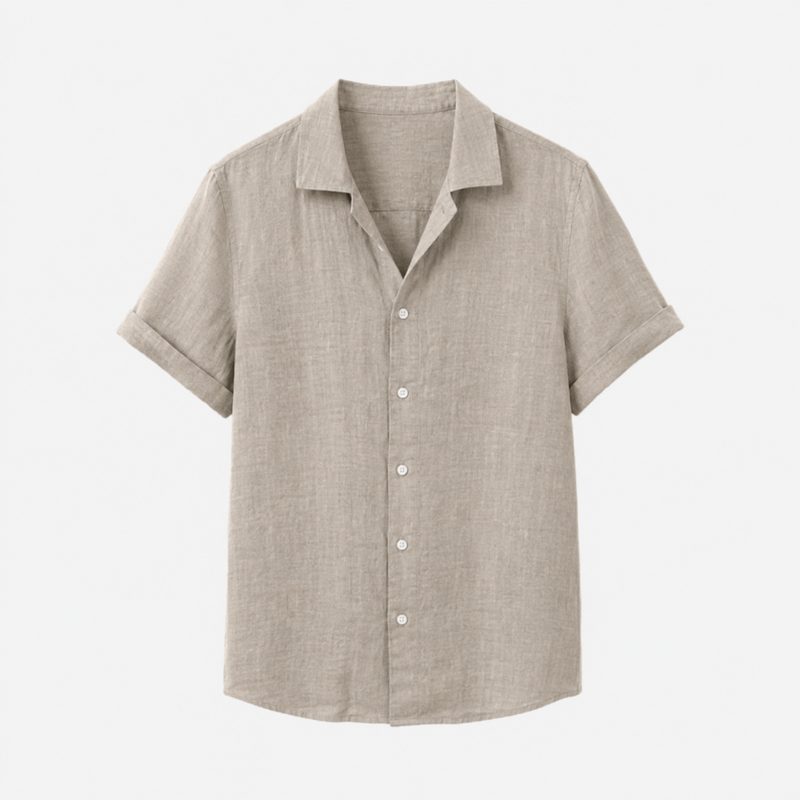
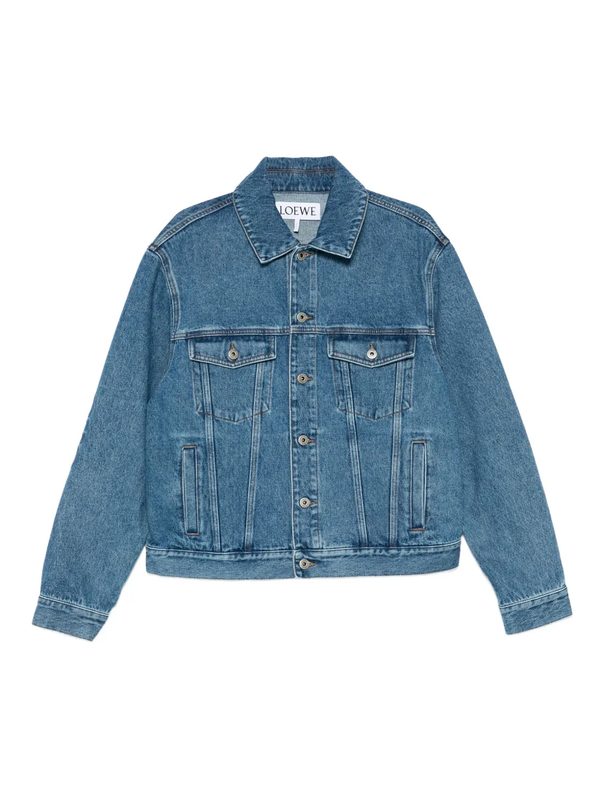 Clean studio shot leads; lifestyle photos follow.
Claude reorders the gallery on every product so the right image leads, giving your collection pages a uniform, polished look — without you dragging a single thumbnail.
More image-management tools
Why the grid matters
A consistent first image is one of the cheapest ways to make a store look professionally merchandised. Customers judge quality from the collection grid before they ever click into a product — and getting that grid uniform, in one instruction instead of hours of dragging, is an easy lift to your store's whole feel.