As seasons turn, yesterday's hero products become this season's clutter. Winter coats on a summer homepage, holiday items in spring ads — they distract shoppers and waste prime placement. The clean way to manage this is a tag you can use to hide or relocate a whole seasonal range at once.
Why a tag is the right tool
A single "off-season" tag becomes a control switch: hide tagged products from featured sections, exclude them from ad feeds, or sweep them into a clearance collection. But applying that tag to dozens of products by hand is the bottleneck that stops people from using this approach.
Tag the whole range at once
With Claude MCP Connector, you tag the entire collection in one instruction:
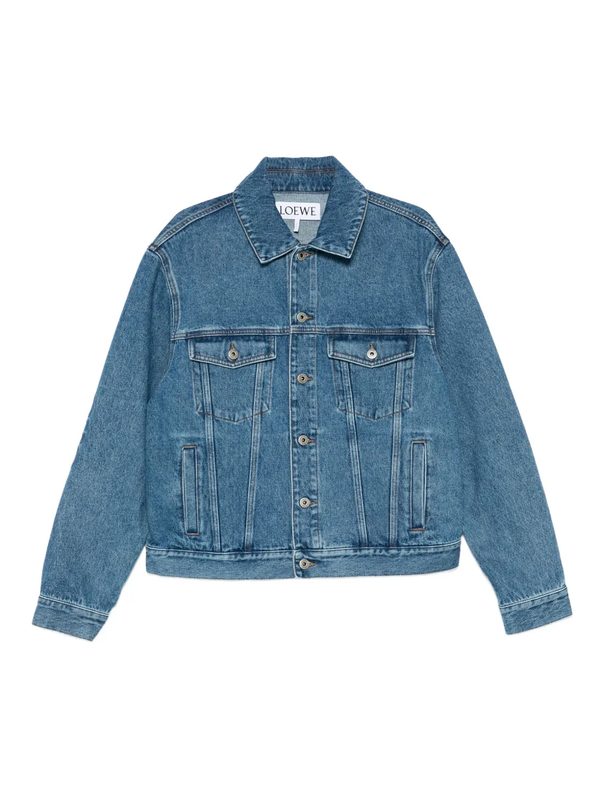
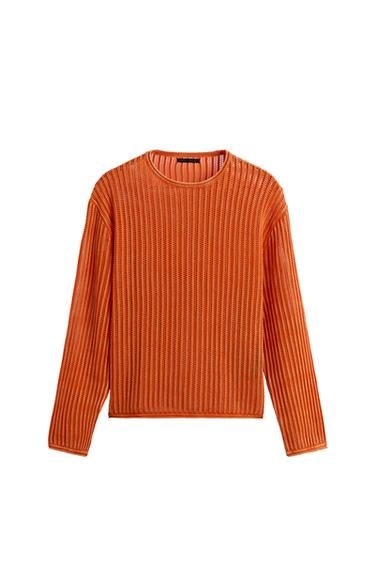
With every off-season product carrying the tag, you can hide, exclude, or relocate the whole group with a single rule — and remove the tag just as easily when the season comes back around.
More ways to use seasonal tags
Why it keeps your store sharp
A storefront that always reflects the current season converts better and looks more intentional. Because tagging an entire range off-season — and un-tagging it later — is now a quick instruction, keeping your prime placement focused on what's relevant becomes effortless.