The products that sell the most units aren't always the ones that make the most money. A cheap item can top your bestseller list while a higher-priced product quietly earns more on a fraction of the sales. If you're making merchandising decisions off units alone, you're optimizing for the wrong thing.
What Shopify shows — and doesn't
Shopify's analytics surface top products, but pulling a clean "revenue by product, last month, ranked" view — with units alongside so you can see margin dynamics — takes navigating reports and setting date ranges each time. So the revenue picture stays fuzzier than it should.
Ask for the ranking directly
With Claude MCP Connector, one question gives you revenue and units together:
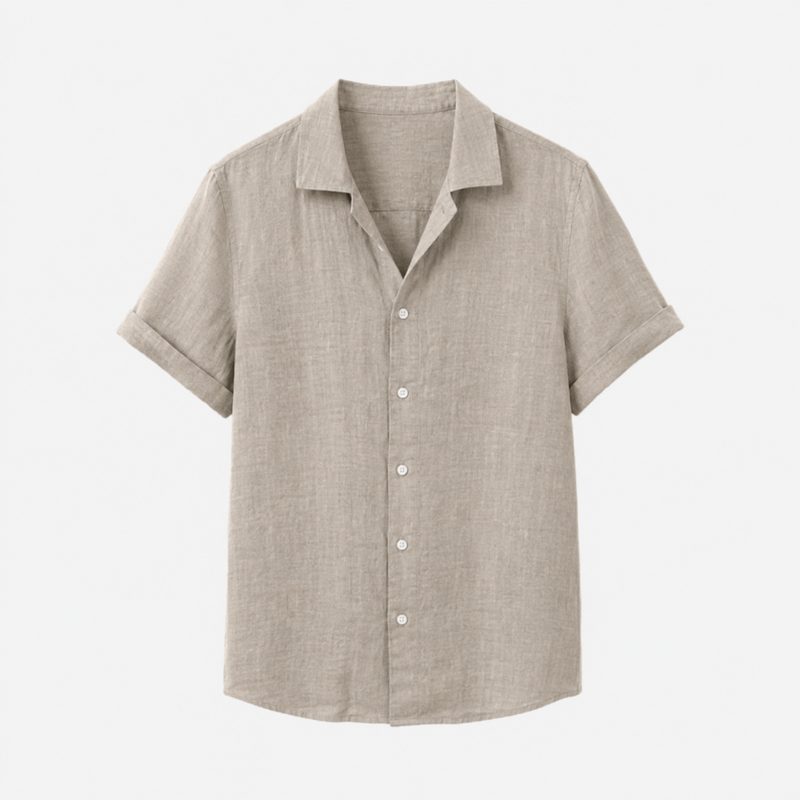 Linen Shirt76 units$4,180
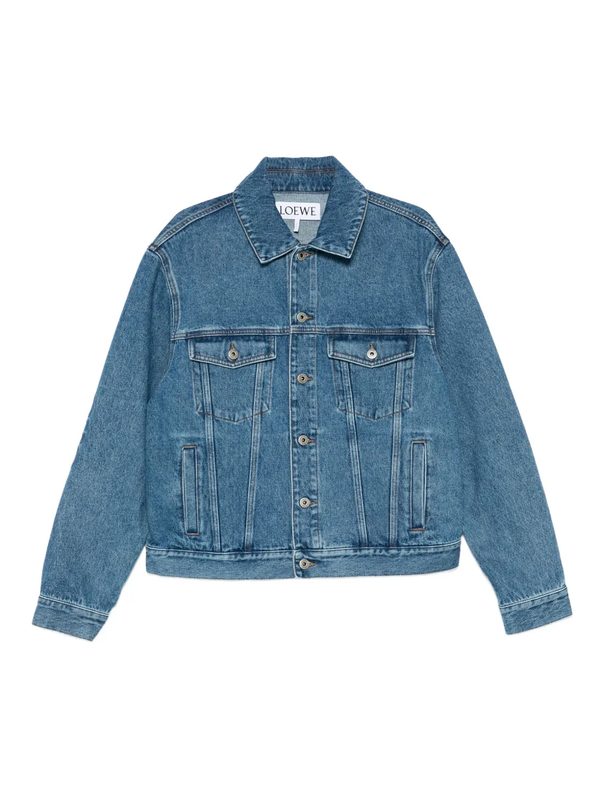 Denim Jacket28 units$3,360
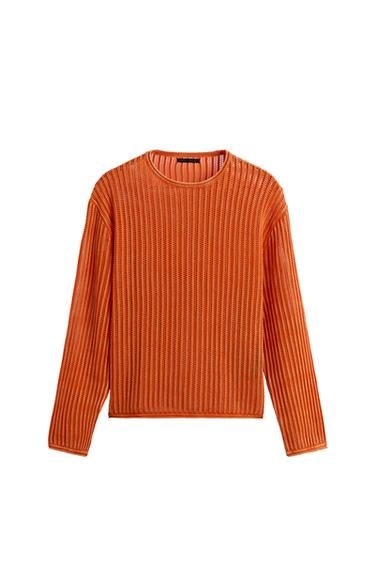 Knit Sweater30 units$2,400
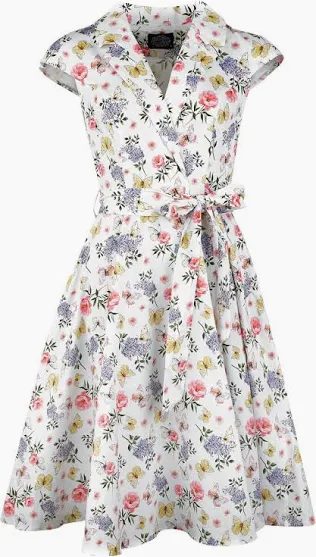 Floral Dress20 units$1,660
Seeing revenue next to units sold instantly reveals which products earn the most per sale — the high-margin winners worth featuring, bundling, or promoting harder.
More revenue views you can pull
Why revenue, not units
Featuring your true revenue drivers — not just your most-clicked items — is one of the highest-leverage merchandising moves there is. When that ranking is a single question away, you can let real money, not vanity metrics, decide what gets the prime spots in your store.