A product with no photo is worse than no product at all. It shows up on your storefront as a blank grey box, signals "unfinished store" to shoppers, and almost never converts. The tricky part is that these products hide in plain sight — you don't notice them until a customer does.
Why they're hard to catch
Shopify has no built-in "show me everything without an image" view. To audit it manually you'd scroll your entire product list, eyeballing thumbnails, or export to CSV and try to spot blank image columns. Neither is something you'll do regularly, so image-less products quietly slip live.
Find them in one question
With Claude MCP Connector, you ask your store directly — and have it flag the urgent ones:
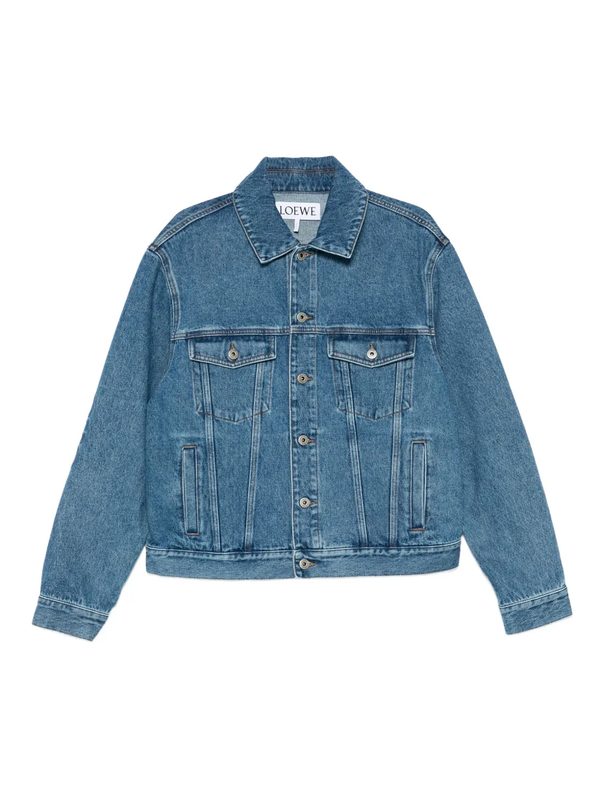

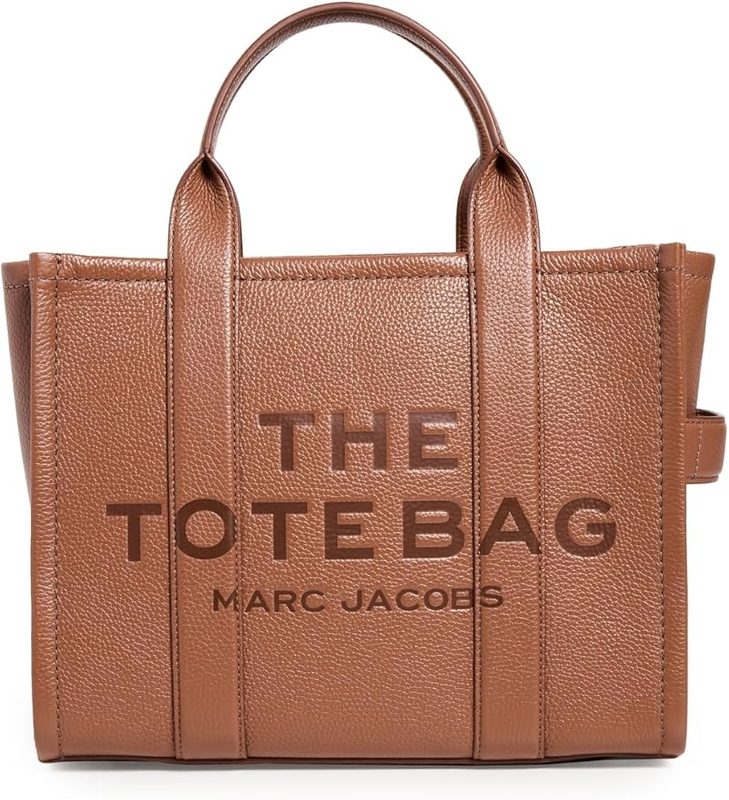
The products that are published and live matter most, because those are the ones customers can already see. Claude surfaces them first so you can pull them off the storefront immediately.
What you can do next
Make it a quick routine
Running this check after every product import or bulk upload takes seconds and stops blank listings from ever reaching customers. It's the kind of small, regular audit that's only realistic when it's a single message instead of a manual scroll.