You get a fresh set of product photos back from a shoot, and now comes the slog: opening each listing, each variant, uploading the new image, setting it as the main one, saving, repeating. For a product with several color and size variants, a single image update can mean a dozen trips into the admin.
Why image updates are so click-heavy
Shopify handles images per product and per variant, which is great for shoppers but painful for bulk updates. There's no "set this as the main image for every variant" action — so a simple swap turns into a repetitive editing session.
Describe the swap once
With Claude MCP Connector, you upload the new photo and tell Claude where it goes:
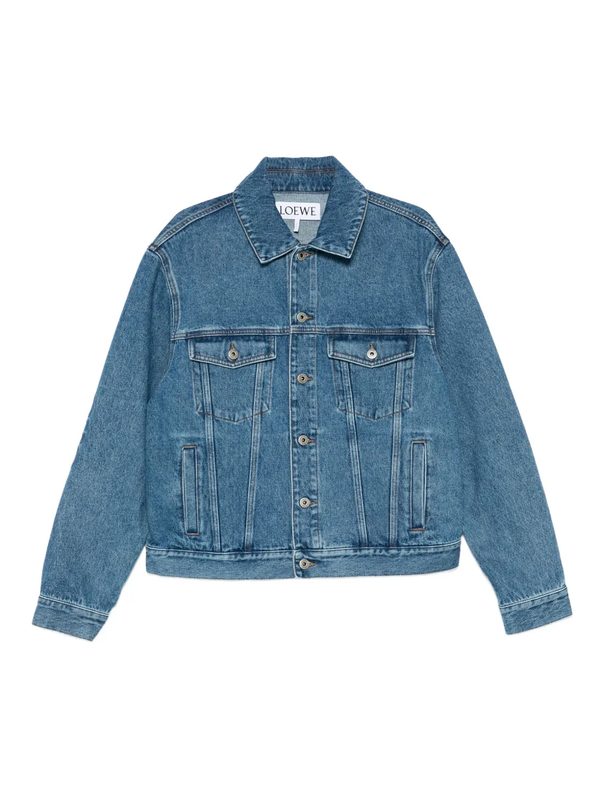
Claude sets the new image as the primary across every variant and keeps the old one in the gallery, so nothing is lost and the listing looks consistent everywhere.
Other image jobs you can hand off
Why it's worth it
Good photography is one of the biggest drivers of conversion — but only if it actually makes it onto your listings. Removing the friction from updating images means a new shoot goes live the same day it lands, instead of waiting for a free afternoon that never comes.