← Blog/Products

How to Change the Compare-at Price on All Shopify Products at Once

Want your whole store to show a sale price with the original struck through? Here's how to set compare-at prices in bulk — in one command.

June 13, 2026·4 min read

The compare-at price is what makes a product look like a deal: the original price shown with a line through it, next to the lower sale price. It's one of the most effective conversion levers in ecommerce — but setting it across hundreds of products in Shopify is painfully manual.

Why it's slow by default

Shopify's bulk editor lets you edit the compare-at column, but you still type each value by hand, row by row. To "show everything at 20% off," you'd have to copy each current price into compare-at, then calculate and enter the new lower price for every single product. For a catalog of any size, that's an afternoon gone.

The one-command way

With Claude MCP Connector, you describe the sale once and Claude does the arithmetic for every product:
Claude
Set compare-at to the current price on every product, then drop the actual price 20% so the whole store shows as on sale.
C
Done — 128 products now show a sale price.
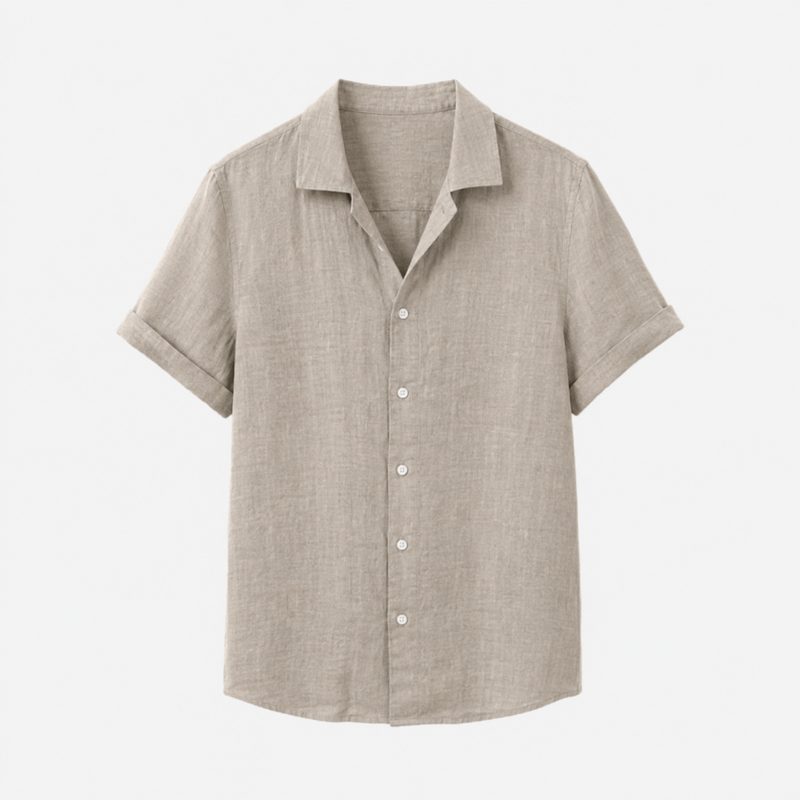
Linen Shirt
Linen Shirt
$55$44−20%
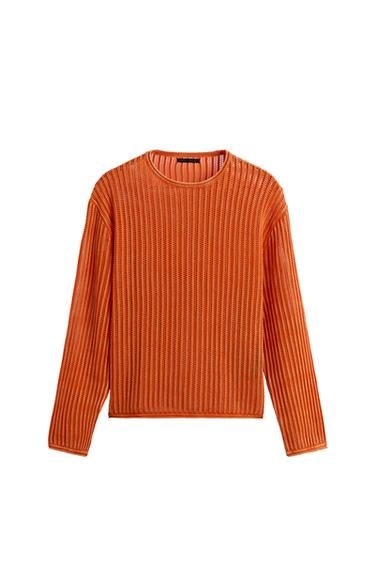
Knit Sweater
Knit Sweater
$80$64−20%
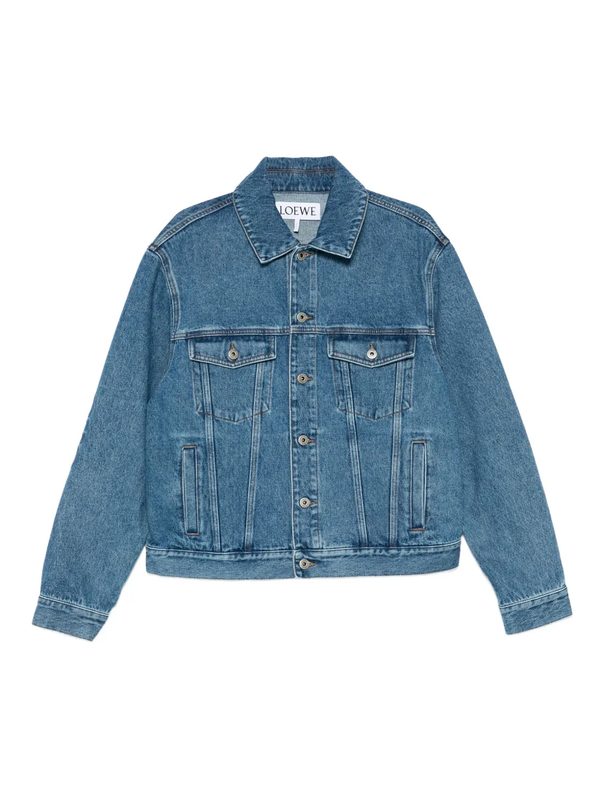
Denim Jacket
Denim Jacket
$120$96−20%
+125 more · every product now shows the original price struck through.
Review on storefront →

Each product keeps its original price as the compare-at value, so shoppers see exactly how much they're saving — and you didn't touch a spreadsheet.

Other compare-at moves you can make

Show a sale price across the whole store at once
Only apply to one collection or a single tag
Clear all compare-at prices when the sale ends
Set compare-at to a fixed amount above the price

Clean up when the sale ends

When the promotion's over, one message — "clear all compare-at prices and put everything back to full price" — resets the whole store. No leftover fake sale tags, no missed products.

Try it free

Do this in 30 seconds with Claude.

Launching soon on the Shopify App Store. Join the early list to be first in.

Get early access →

Related articles

← Previous

How to Add the Same Tag to 1,000 Shopify Products Without Clicking Each One

Next →

How to Bulk Update Product Status From Draft to Active in Shopify